
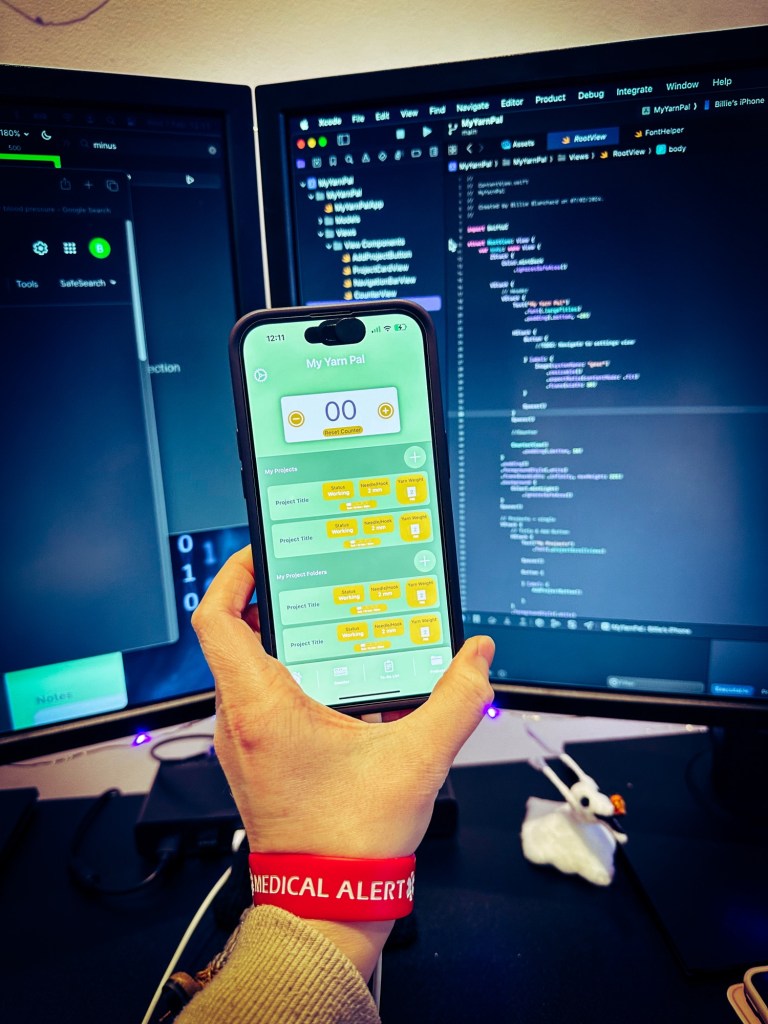
So in January I had a couple of ideas for my first apps to build as a fully solo indie developer & to then put out into the world via the Apple App Store.
I have tried to share my journey into iOS development the best I can. It is a little easier to keep up with social media than blogging each day so my apologies for the slow addition of blog posts since December’s Swiftmas Challenge.
However I am hoping to try a monthly or weekly update to how my journey is going & indeed how the development of my apps are growing. We’ll see how it goes. Today is a start though.
Let’s become an iOS Indie Developer.
I had two starter ideas. If you follow me on social media you’ll probably already know that I started on a fitness idea style app I had…then switched to a knitting/crochet counter style app. Not that the fitness app has been binned by any circumstance! The fitness app is a much larger, more data oriented & feature packed application that will require a few months work at the least to get it up & running.
I really wanted to get going in this new year, speeding ahead to reach my goals. So I figured whilst knitting away one evening that I really should make my own knitting & crochet app with the features that I feel are missing from the ones I currently use. Now I have the knowledge of building apps, it’s still taking me a moment to realise that when I feel something is missing, I can just create it for myself if no one else.
This style app is a lot easier on the development side as I would only need to use SwiftData (internal storage) & am going for a nice simple design.
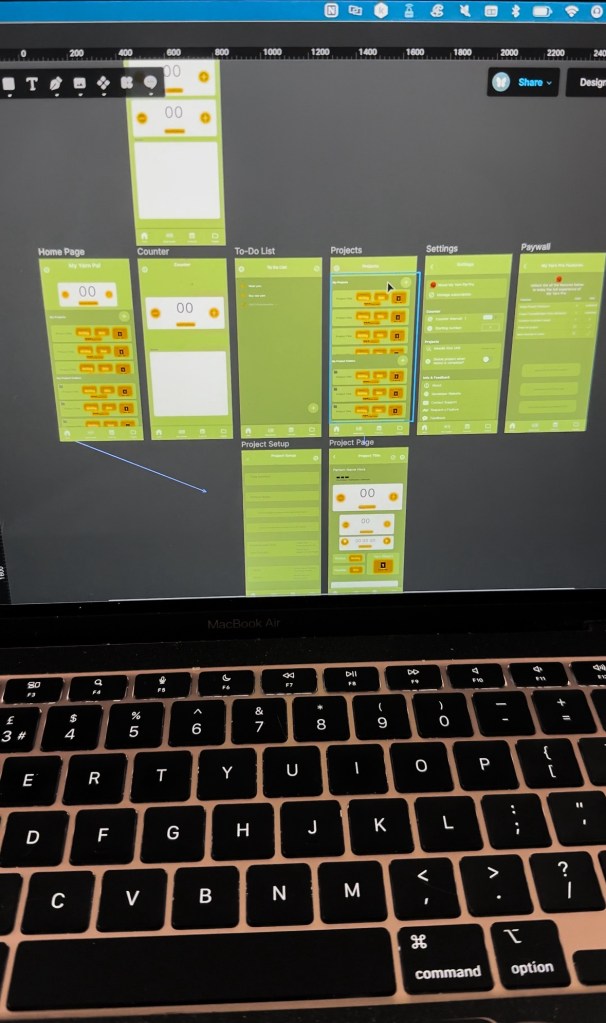
So last week I made a start. I switched from using Figma for my design needs as they just really don’t support indie developers the way they used to, but that’s a whole other post! Design completed in a single day. I then got to work on the code.
So far I am 4 views in. I was using dummy data & a data model that really isn’t worth of the name as it’s a very small structure in the view that needs it to build the list! 😂 Until Wednesday when I build out the data model & started to link things up yay. I also got most of the settings view styled and linked up apart from the mailto links & of course the links to this website that will be the host for the information about the app. But I am yet to create them so placeholder links have been used for now. Thank goodness for the //TODO: comments.
The view structure & UI is growing though & the flow is slowly building. I personally think that styling out the UI is the best way to start before making things dynamic & fully functional. Now the data is ready, I can build out the views that require the data but the other views just need a few tweaks to hook everything up. It feels like a nice pace.
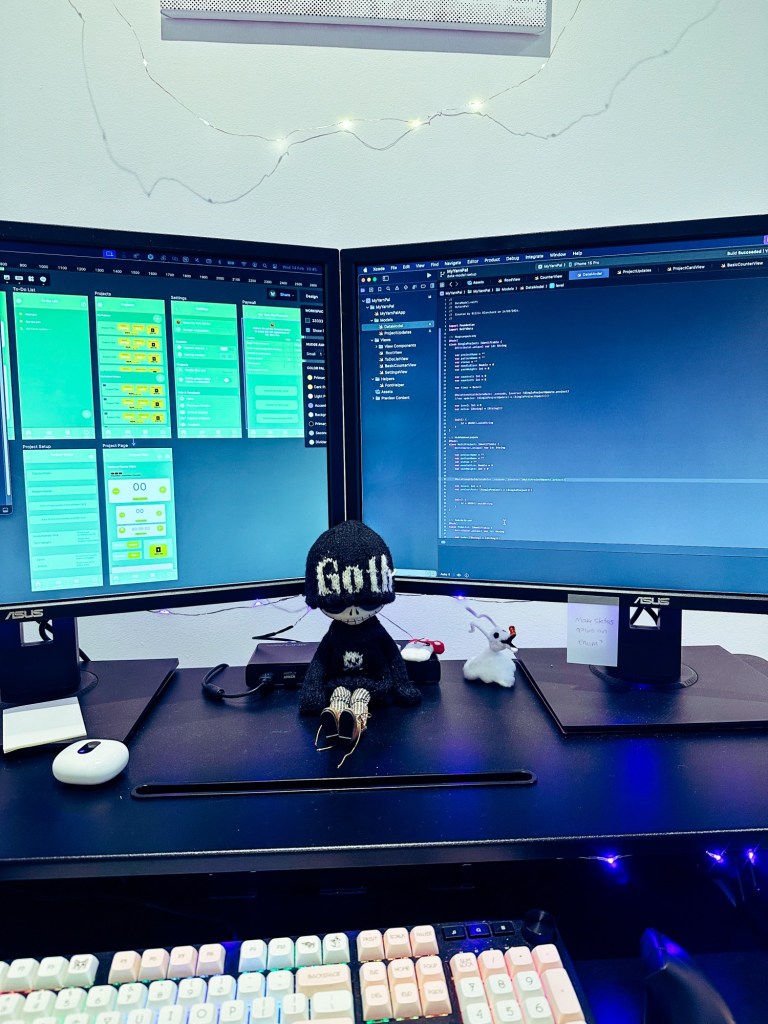
I also played around with the design on an actual device. Personally I am really feeling the design & it’s so exciting seeing your idea grow & come to life squeeee.
If you’re interested in more daily/every other daily updates then do give me a follow on social media. @thecodingsprite on all major social media platforms.
Until next time, keep coding! 🧚♀️

